Location check
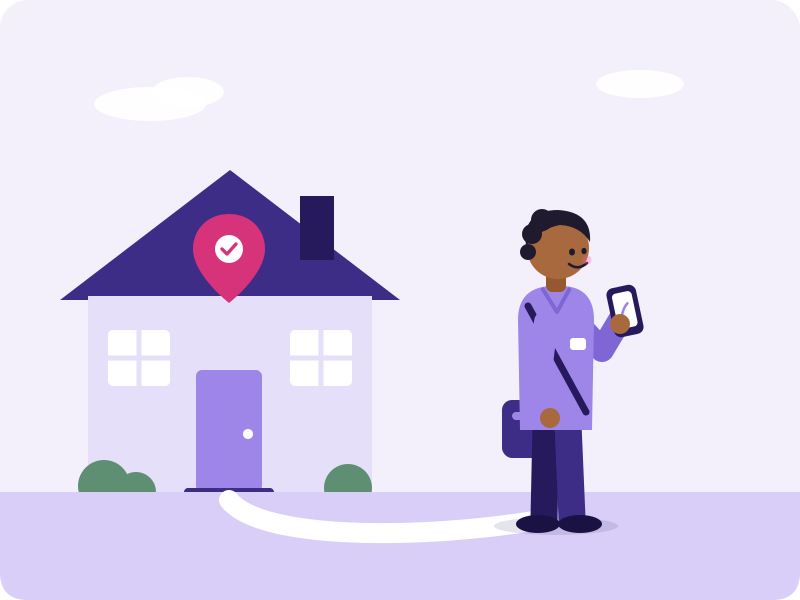
Check-in and check-out can record the location, confirming the nurse is at the right patient's address.
Plan home care visits, guide your field staff through each one, and share the record with doctors and caregivers.
Profiles with demographics, medications, care history, and documentation in one place.
Insulin, injections, patches, compliance checks, blood pressure and glucose, medication witnessing, eye drops and more.
Build routes with a series of patients and expected visit times, then assign them to your field staff.
Visit logs, out-of-range blood glucose and blood pressure readings, and nurse notes, in reports you can share.
Three checks on the phone before any care is given: the right place, the right person, the right medication.
Book a DemoCheck-in and check-out can record the location, confirming the nurse is at the right patient's address.
Prompts on the phone confirm the patient's identity, such as date of birth, before any task starts.
Each task confirms the drug, dose and route, with a double-check before it's given.
Every check works offline. Times and results sync when the signal comes back.
A clear record of who visited whom, when and where, for owners, managers and auditors.
Book a DemoLocation-aware check-in and check-out, required tasks and attestation prompts mean every visit is time-stamped and located, so records match what happened.
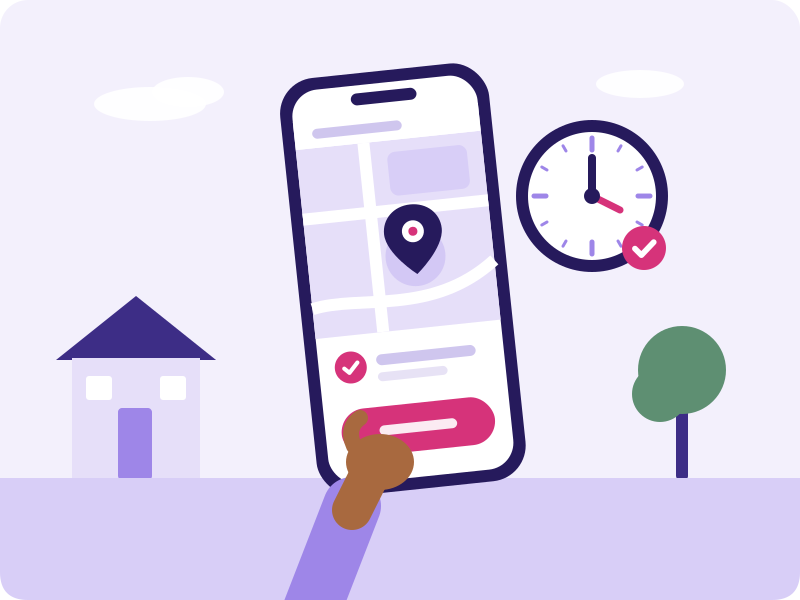
Automatic timestamps, expected‑vs‑actual visit comparisons, and route adherence summaries highlight variances for review.
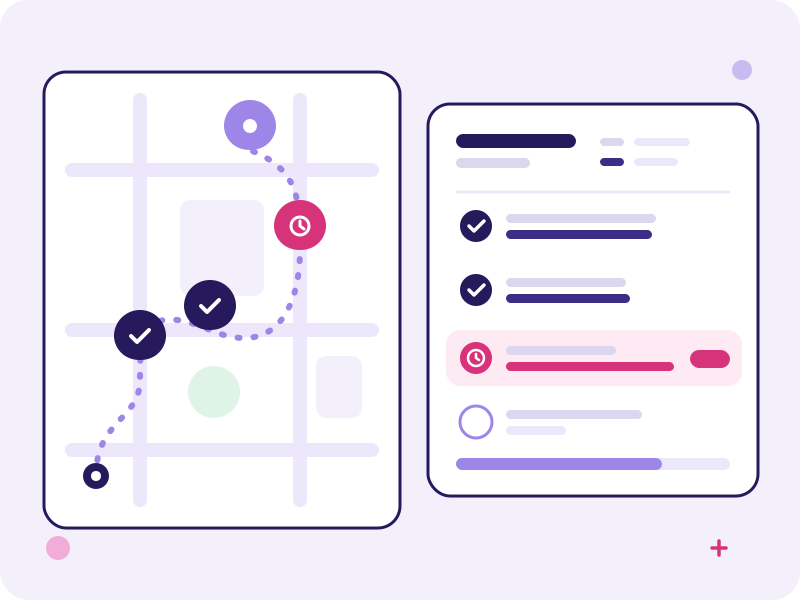
A log of who did what and when: task outcomes, edits, notes and signatures, ready for internal audits.
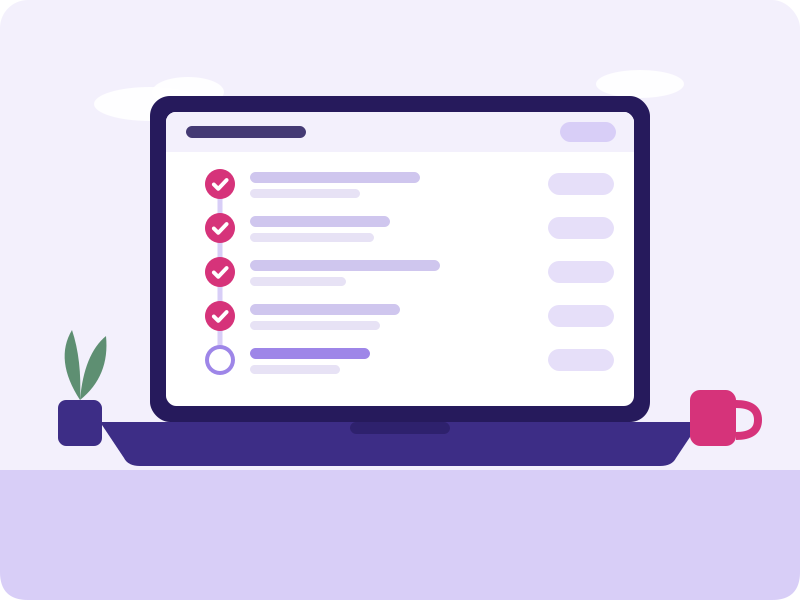
Managers see exceptions as they happen, and every report comes from verified visit events.
How it works
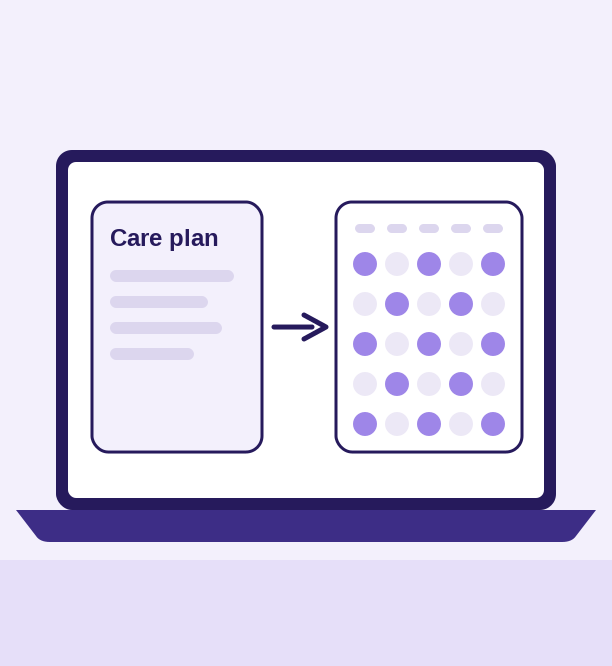
Pharmacist selects care tasks and builds the patient’s care plan.
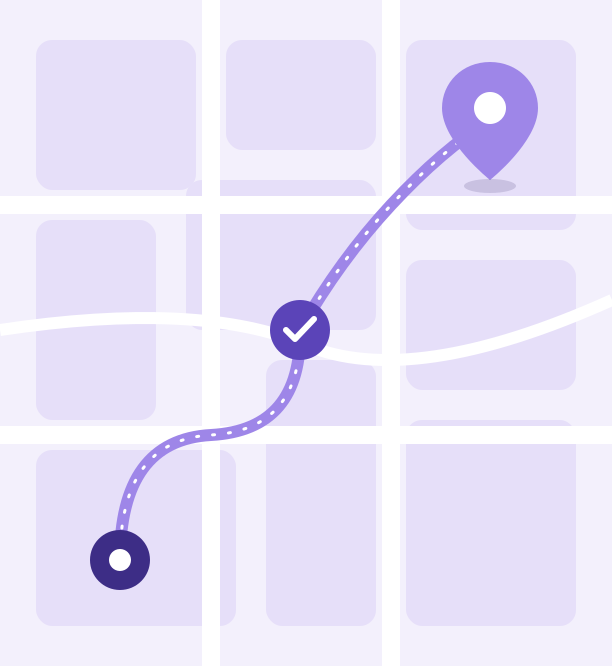
Create patient routes with expected times and assign to care providers.
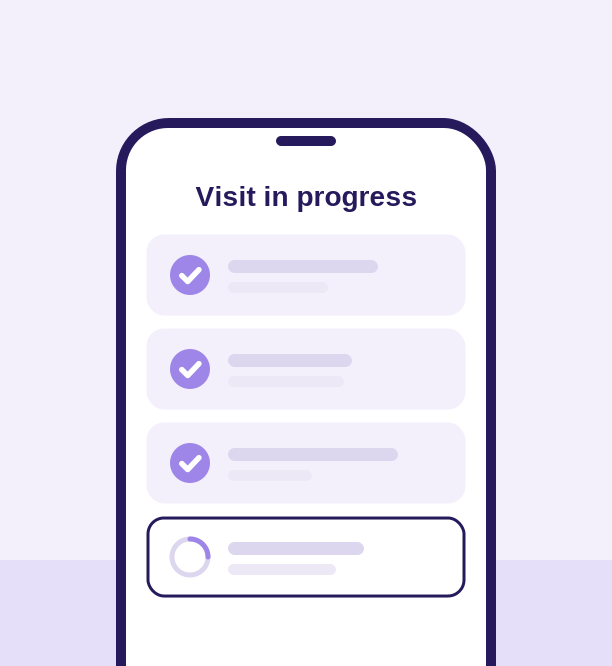
Care provider follows task list, performs care, and records notes (offline supported).
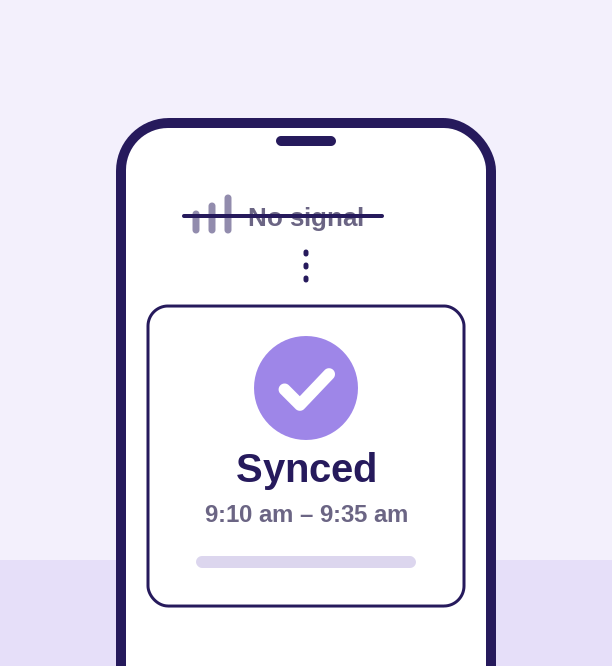
All data flows back to the pharmacist portal automatically.
Generate and share progress with doctors and caregivers.
Yes. Care providers can complete visits without connectivity; data syncs securely once back online.
Pharmacists (web) and care providers (mobile app) are the primary users. Doctors and caregivers can be granted read‑only access to patient progress.
You can generate visit logs, task results, and provider notes to support clinical oversight and collaboration.
We'll walk you through Rx360 Care using your own home care program: care plans, routes, visits and reports.